RenderTypes
Modelpart render types that can be applied via setPrimaryRenderType(string) or setSecondaryRenderType(string)
There can only be one primary and secondary type applied to a cube at once, so you may get unwanted behavior if you make the primary render type LINES as all the pixels aside from the lines will vanish.
Example:
models.myModel:setPrimaryRenderType("END_PORTAL")
models.myModel:setSecondaryRenderType("EMISSIVE")
The Primary and Secondary render types get combined. You can for example set the Primary to BLURRY and the secondary to GLINT to create a model with blurry textures, while having an animated echantment glint overlayed on top of it.
All Render Types
| Render Type | Description | Example Image |
|---|---|---|
NONE | Invisible | 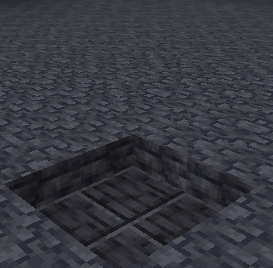 |
CUTOUT | Normal, transparency in the texture is binary. Either fully invisible at an alpha of 0, or fully visible | 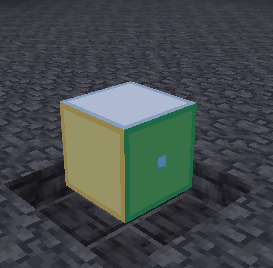 |
CUTOUT_CULL | Normal (No Inside Faces), same alpha behavior as CUTOUT | 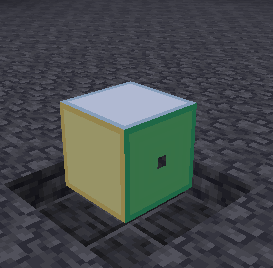 |
TRANSLUCENT | Normal, with alpha values in the textures handled in a way that allows for semi-transparency | 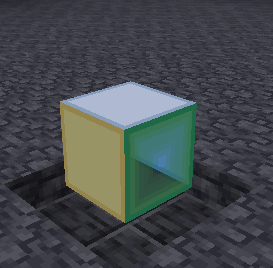 |
TRANSLUCENT_CULL | Normal (No Inside Faces), same alpha behavior as TRANSLUCENT | 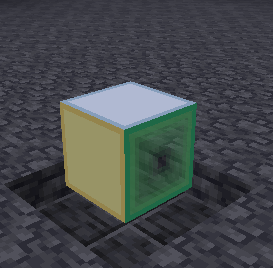 |
EMISSIVE | Fully Lit, TRANSLUCENT alpha | 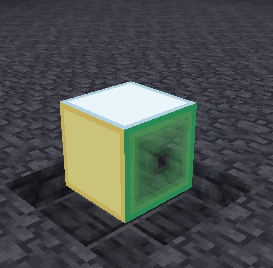 |
EMISSIVE_SOLID | Fullbright (No Inside Faces), CUTOUT alpha | 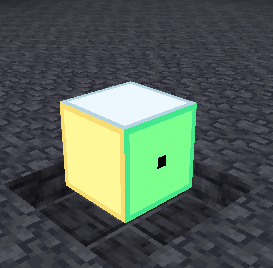 |
CUTOUT_EMISSIVE_SOLID | Fullbright, TRANSLUCENT alpha | 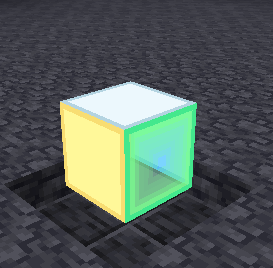 |
EYES | Fullbright, always semi-transparent, CUTOUT alpha | 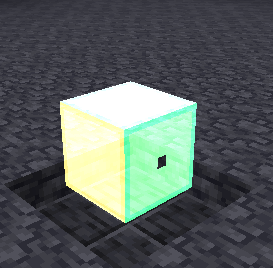 |
END_PORTAL | No-perspective End Portal Effect | 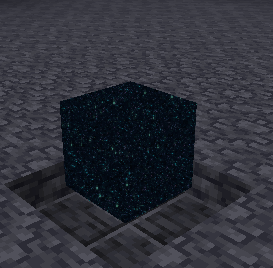 |
END_GATEWAY | No-perspective End Gateway Effect | 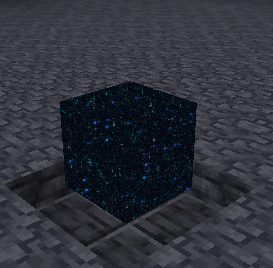 |
TEXTURED_PORTAL | No-perspective Geometric Effect (when used as secondary rendertype, uses secondary texture to change the effect) | 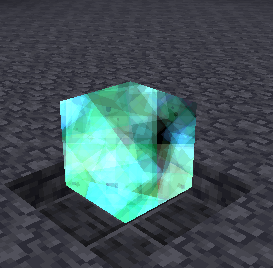 |
GLINT | Enchantment glint when used as secondary render type | 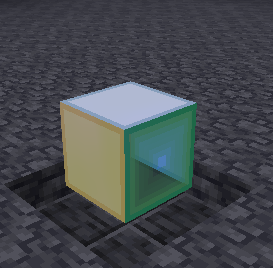 |
GLINT2 | Detailed enchantment glint when used as secondary render type | 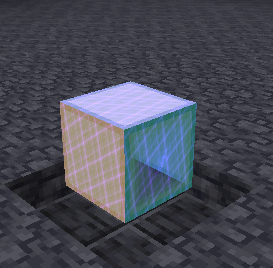 |
TEXTURED_GLINT | Uses secondary texture as enchantment glint when used as secondary render type | 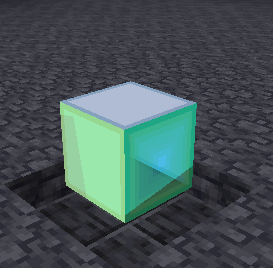 |
LINES | White Lines Around Edges | 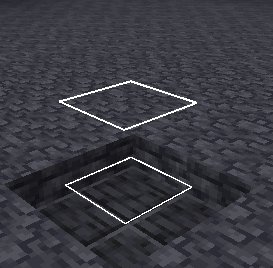 |
LINES_STRIP | White Lines Between Vertices | 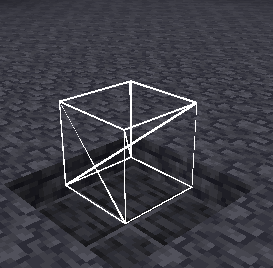 |
SOLID | Fully white | 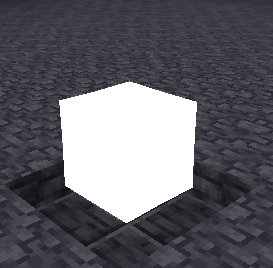 |
BLURRY | Smoothed texture | 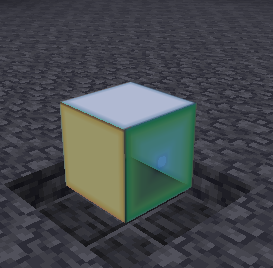 |